Dry Erase Maniac
dryerasiac.
Turn your favorite photos into dry erase art. Then learn to draw them on your device, with as much help as you like.


It started with a thumbnail.
I was making a YouTube thumbnail in a dry erase marker style for this video, and I really liked how it looked. That’s where the idea for Dryerasiac came from.
Same photo. A whole new look.
Each image pairs the original photo with the finished marker artwork.
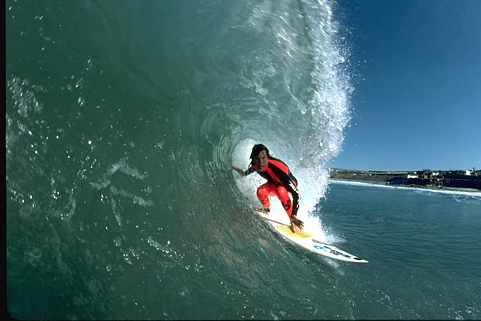
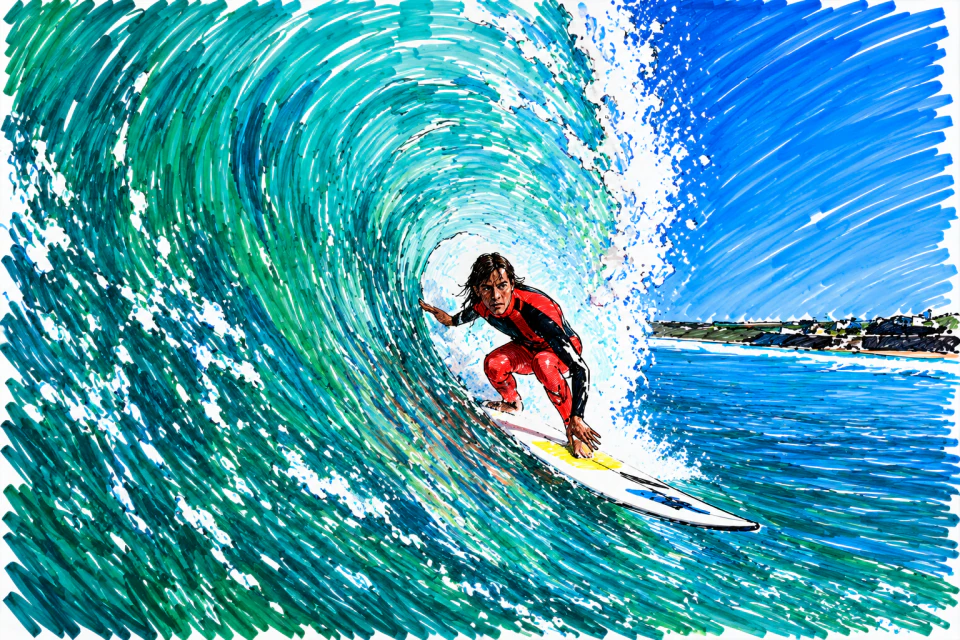

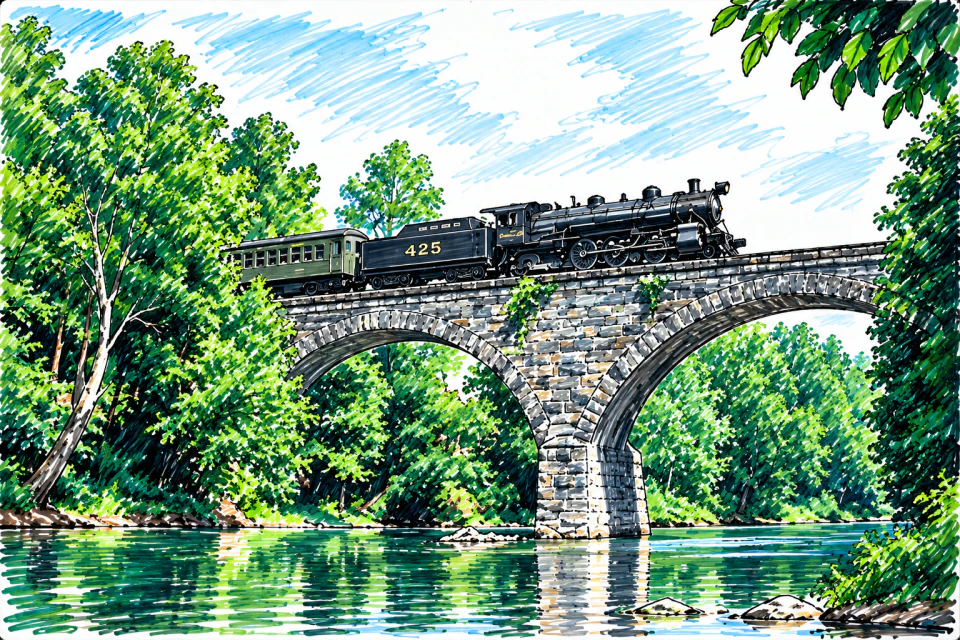
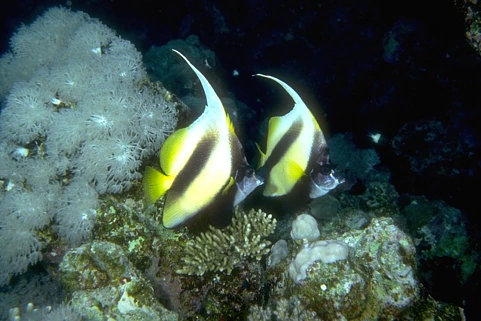
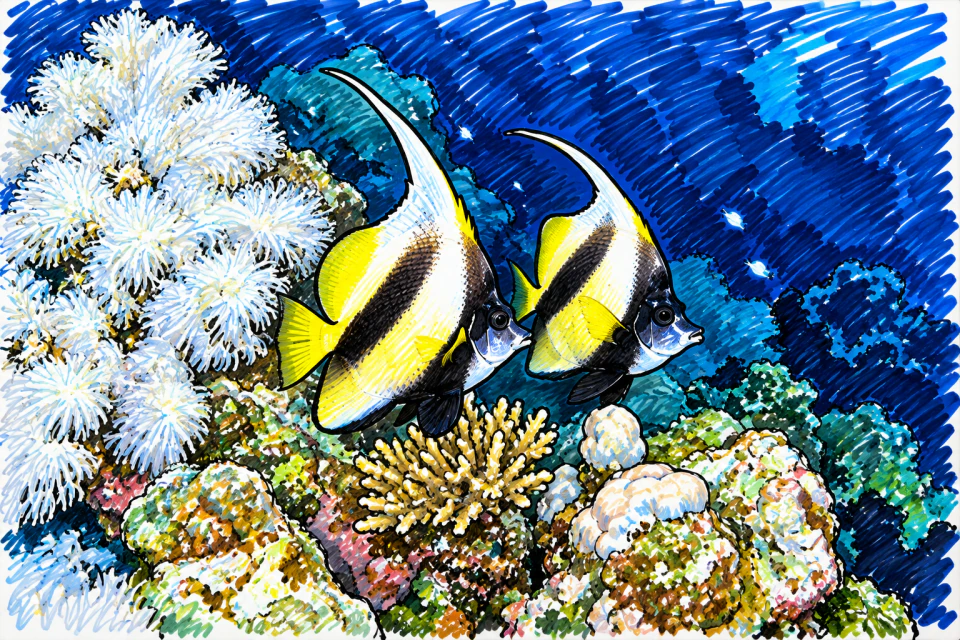
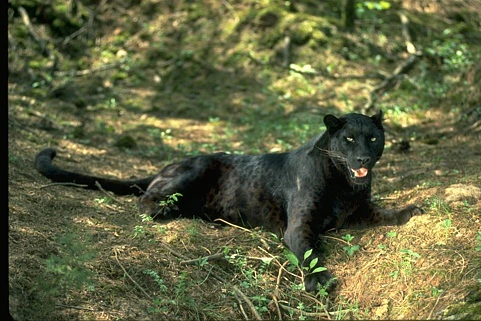
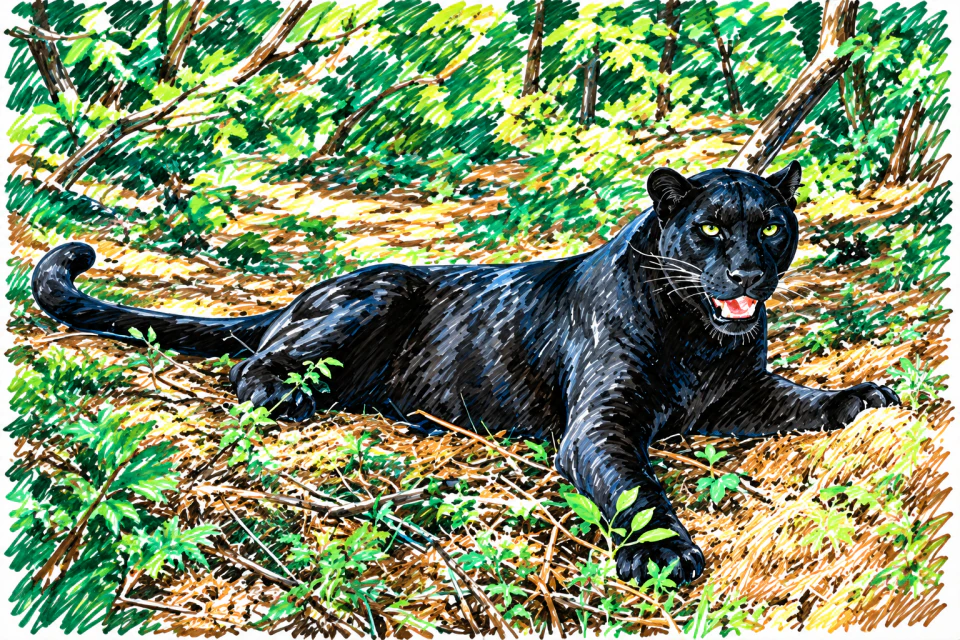
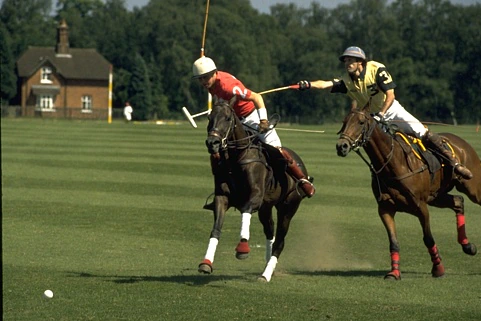
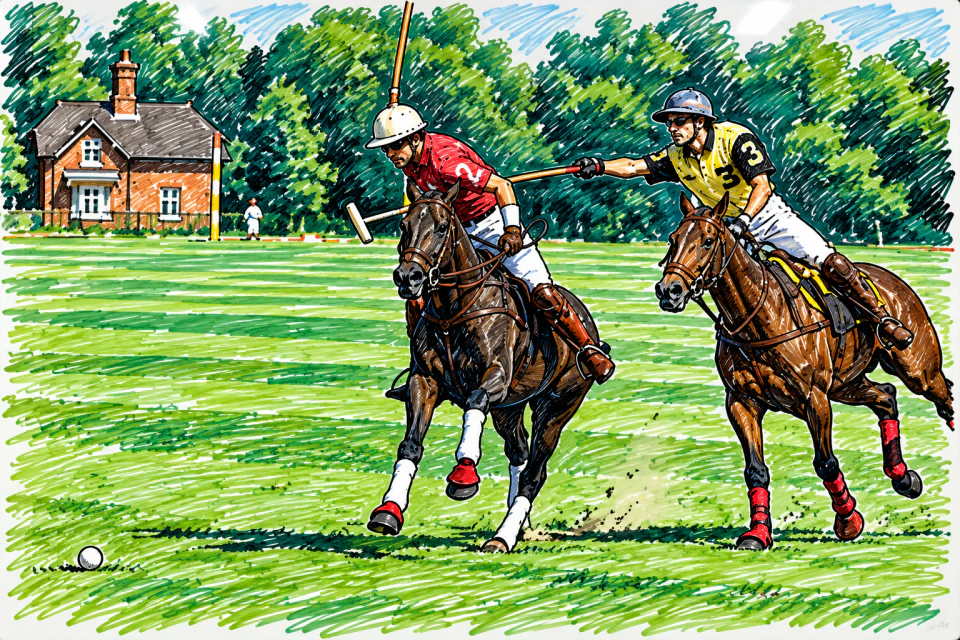
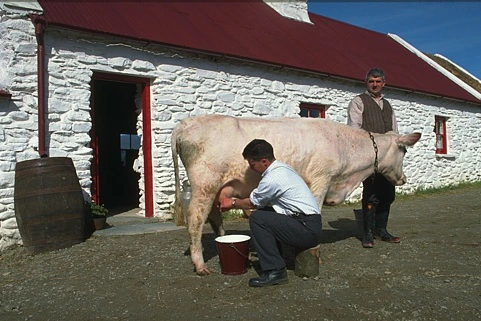
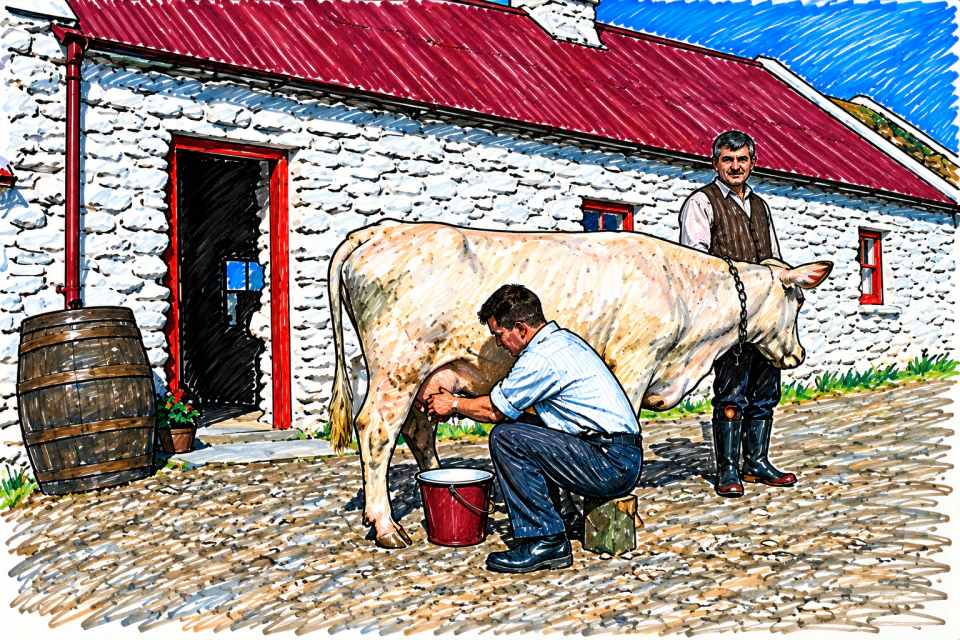
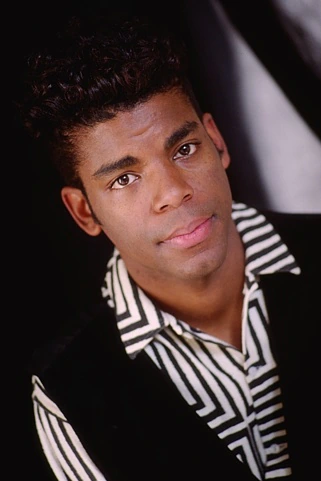
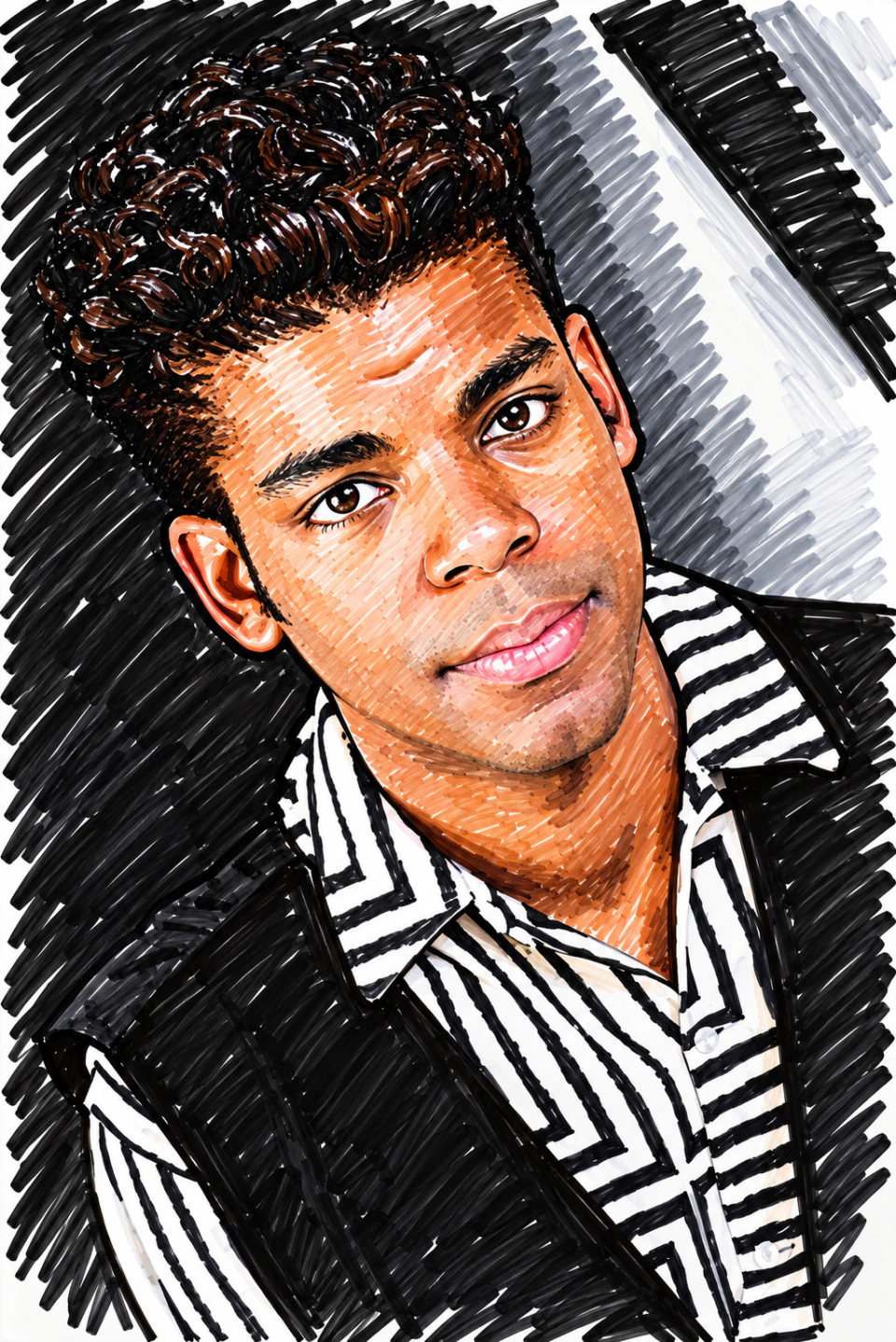
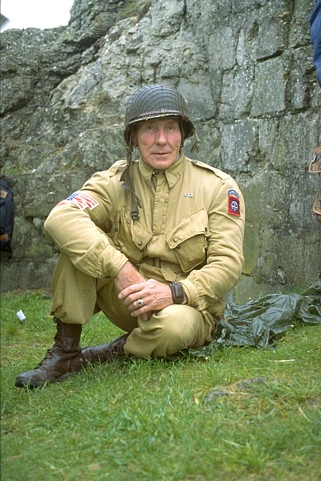
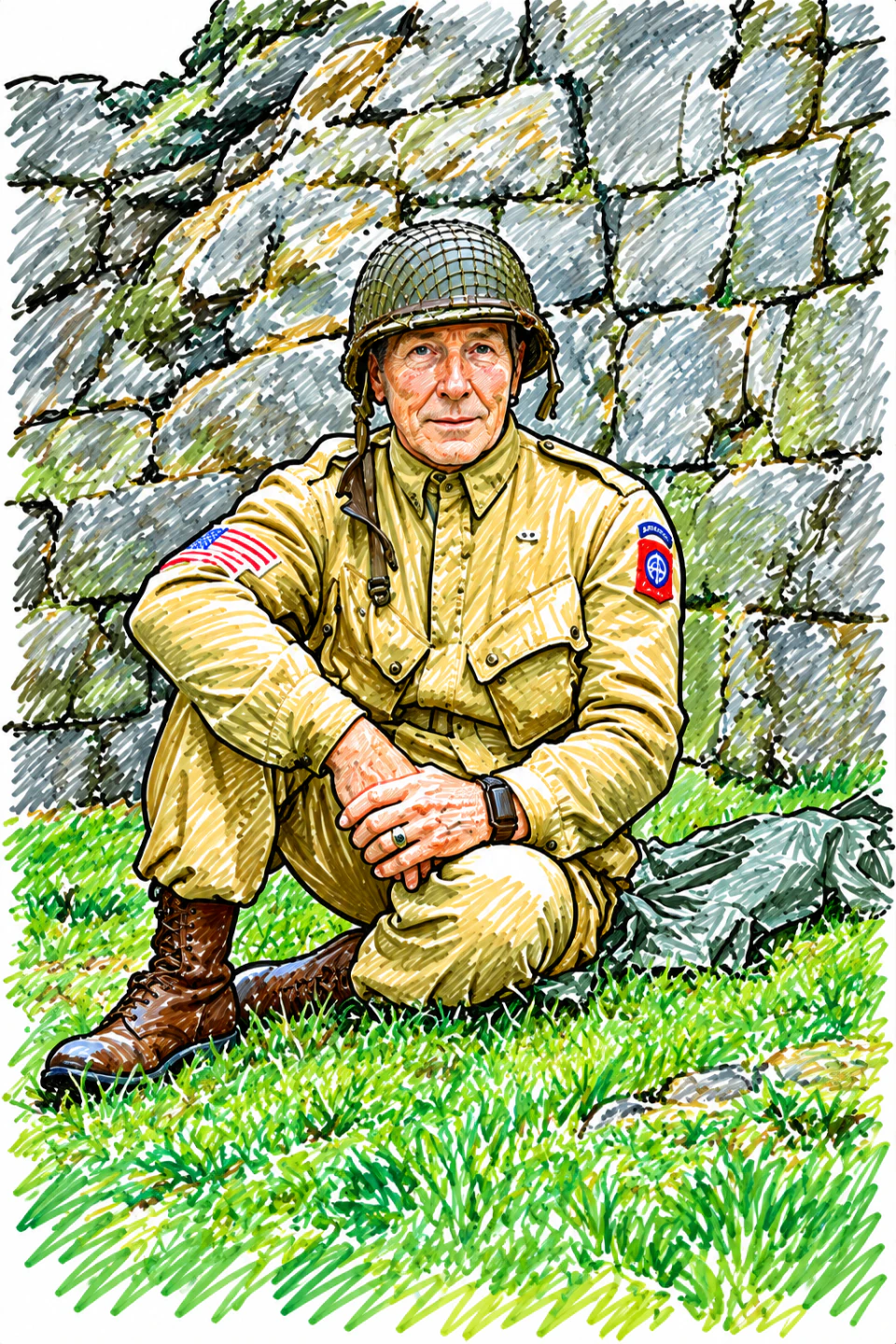
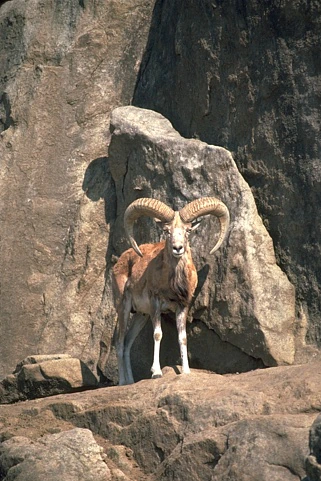
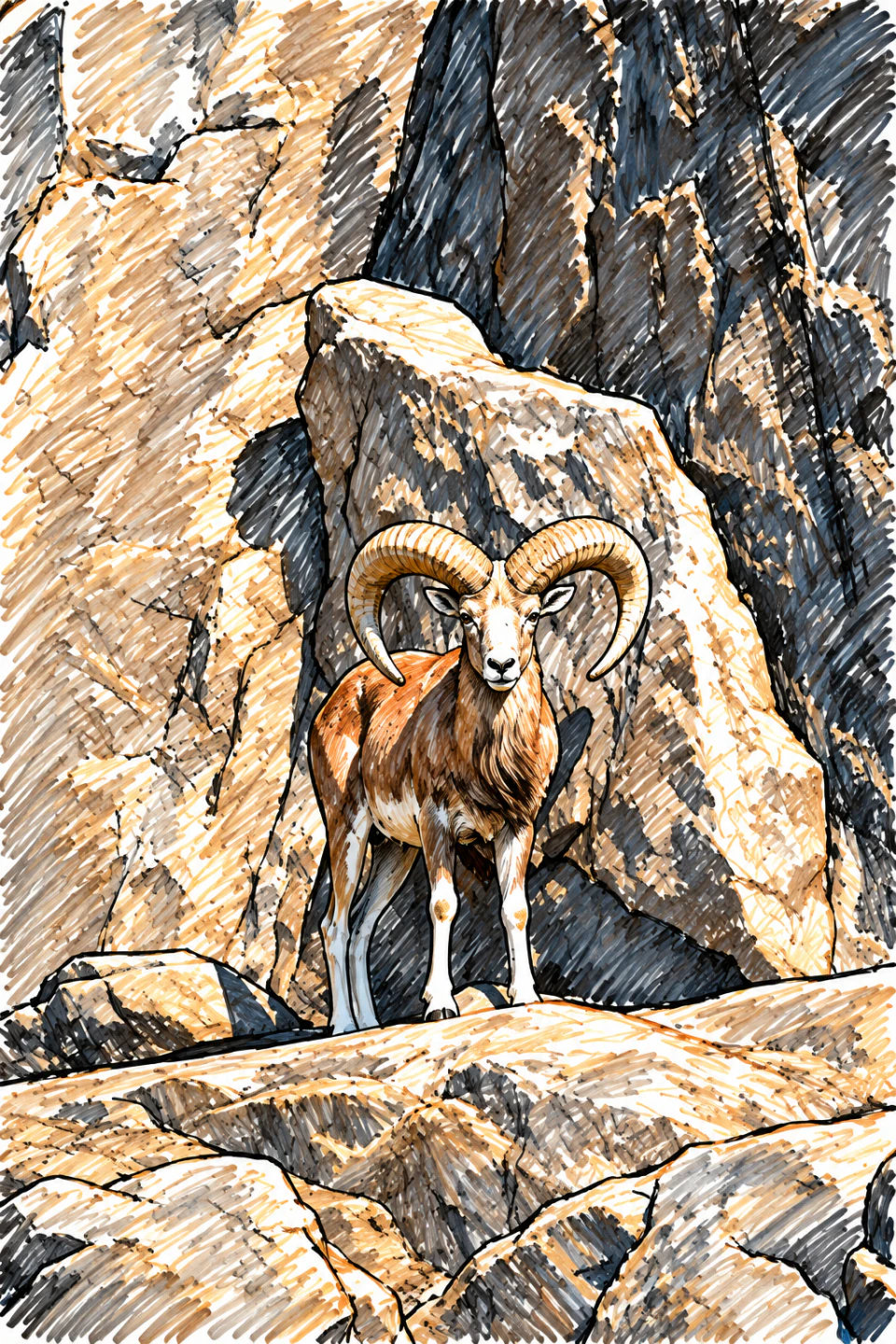
From camera roll to canvas.
Pick it. Transform it. Make it yours.
-
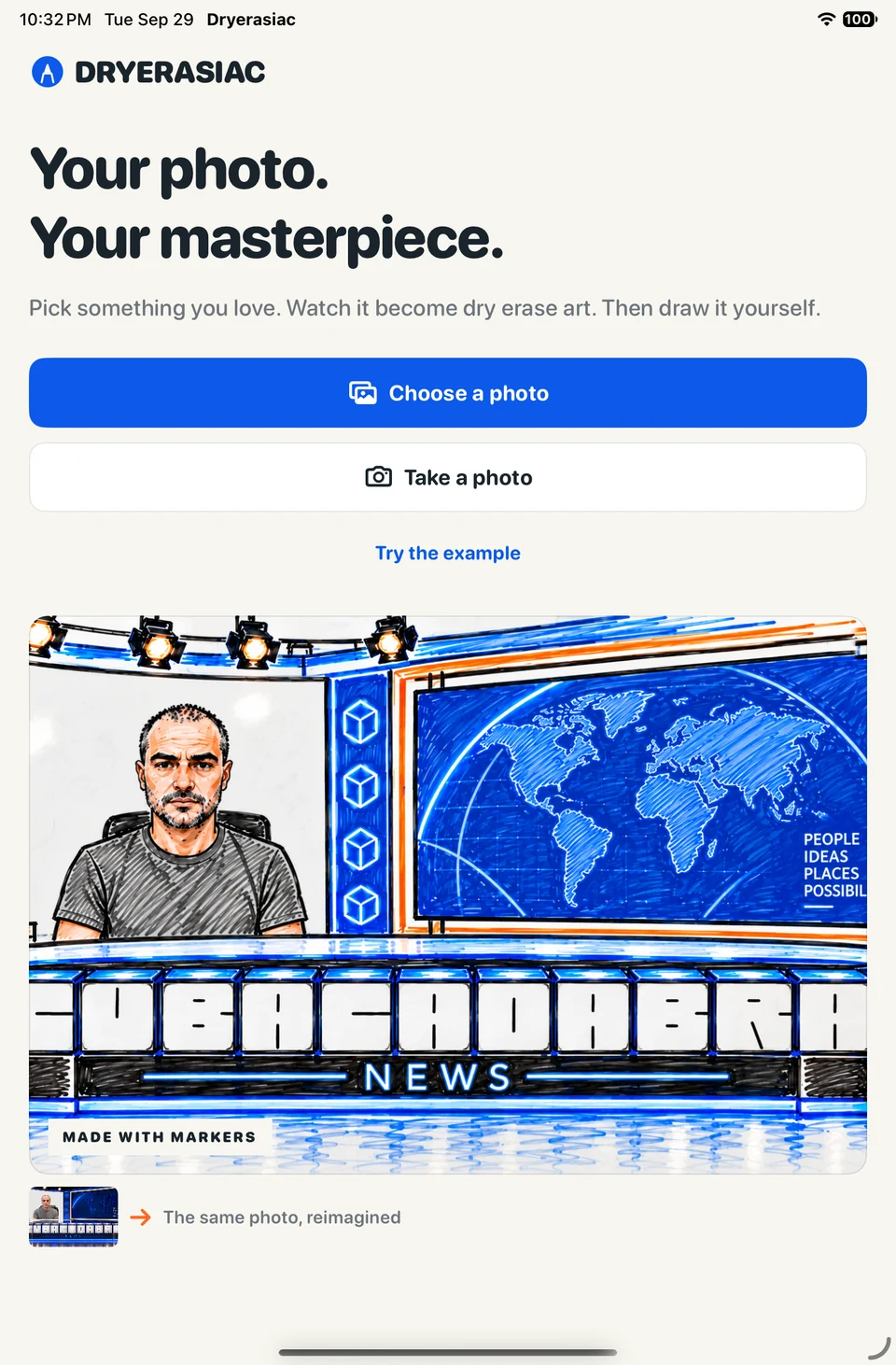
Start with something you love.
Choose a picture from Photos, take a new one, or jump in with the included example.
-
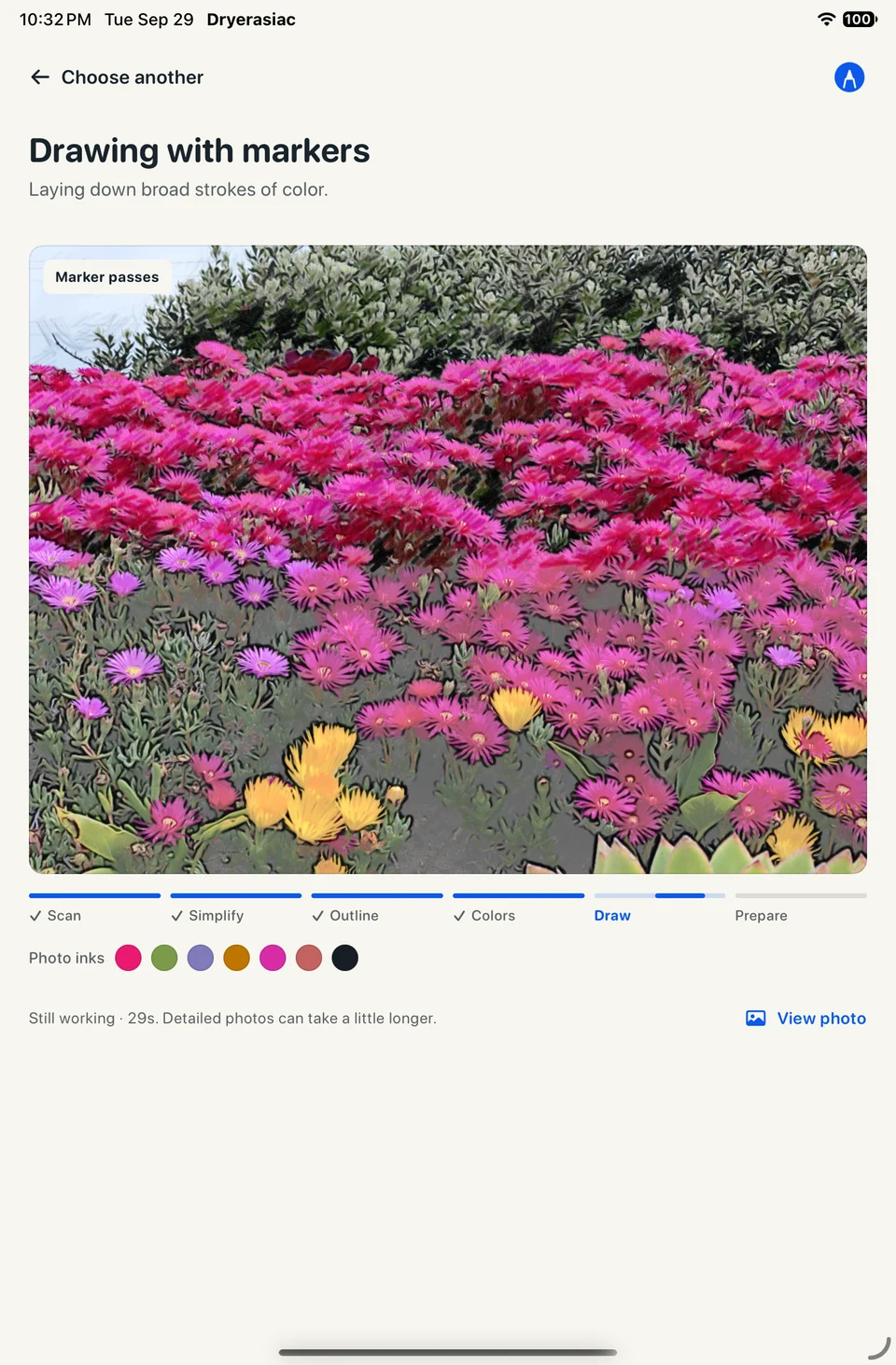
Watch the markers take over.
Your photo becomes outlines, colors, and expressive marker strokes. It all happens on your device.
-
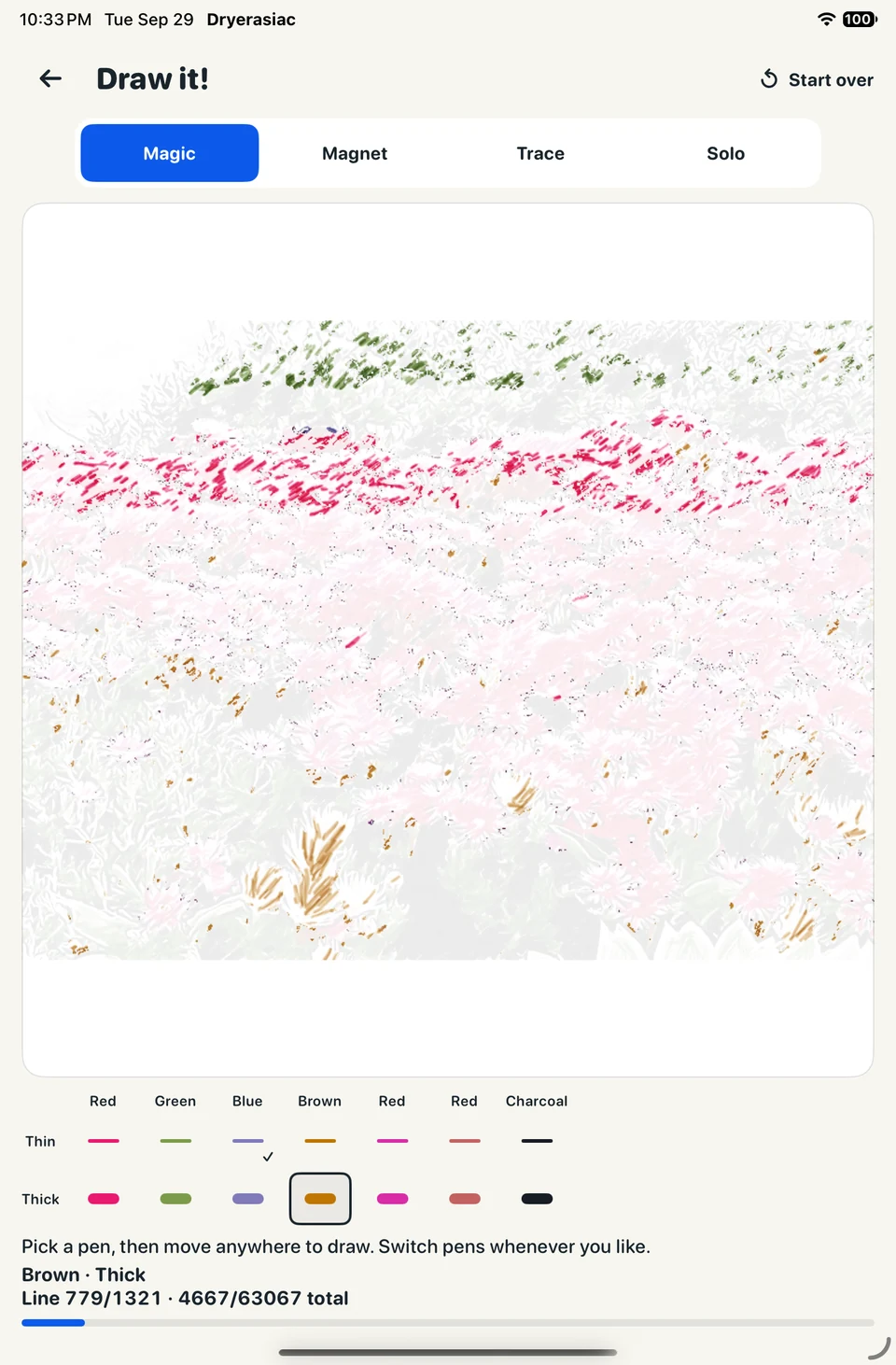
Now you’re the artist.
Pick a marker and start drawing. Follow the guides, build your confidence, or draw it your own way.
A little help. Or all you.
Four ways to draw the same picture.
Choose the level that feels right.
- Magic
- Pick a pen and move through its highlighted areas. Watch the picture fill with color.
- Magnet
- Follow the orange guide. Your marker snaps to the line as you move.
- Trace
- Draw over a faint guide. Every mark is yours, with a little direction underneath.
- Solo
- Keep a small reference picture nearby and draw freely. Your lines, your way.
Your photos stay on your device. Photo conversion works on the device, without an account or an internet connection.
Your next drawing is
already in your photos.
Meet your inner Dry Erase Maniac.